Layout Preview

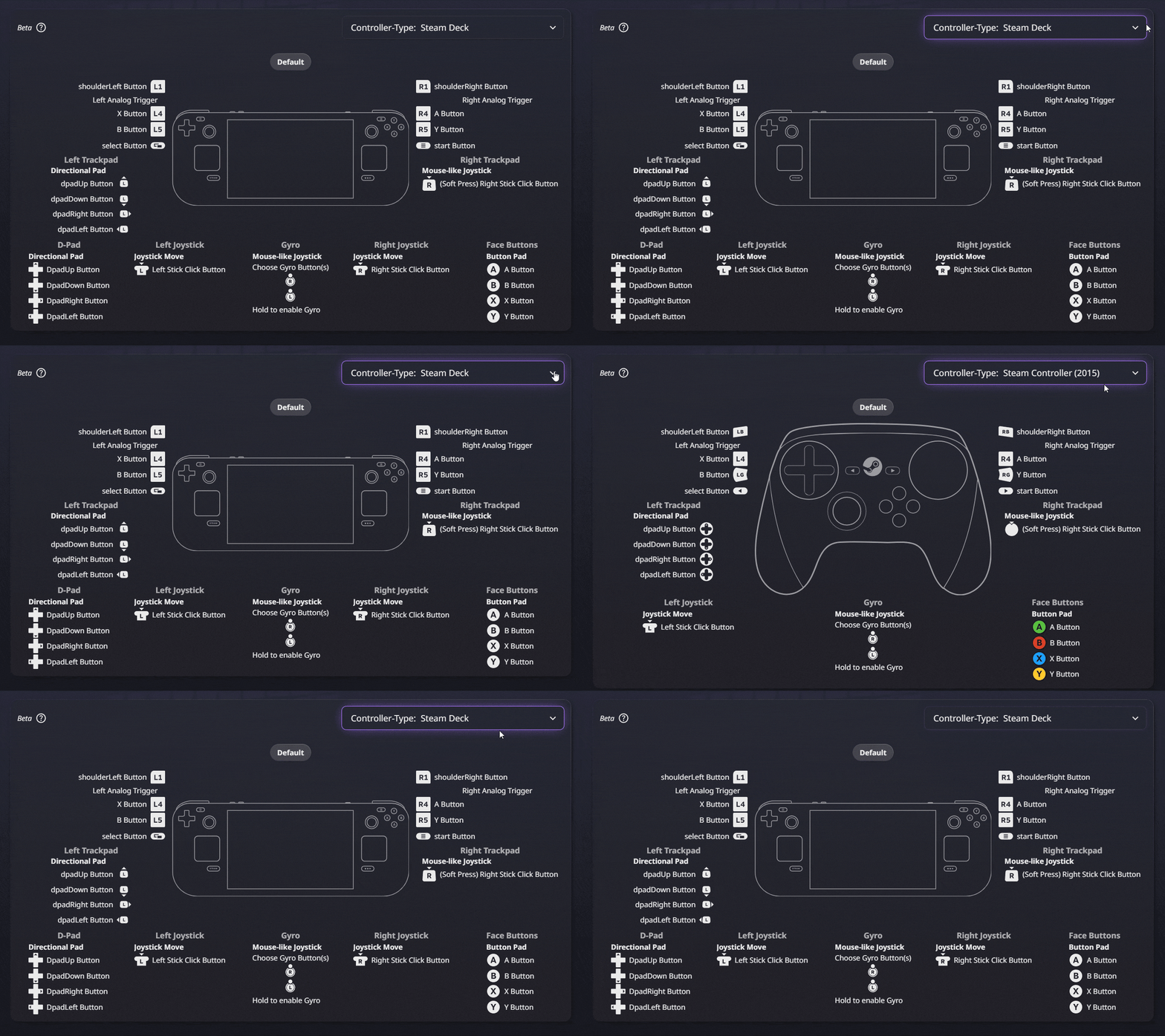
One of the most requested (and much needed) features for SteamInputDB has been the ability to preview controller layouts without having to open Steam.
Today, I’m happy to announce that this feature is now live!
From now on you can see a preview of any controller layout right in your browser, without needing to open Steam.
SteamInputDB’s layout preview closely mimics the one found in Steam, with one important distinction:
Steam can clip the layout preview if any input-device has too many bindings/actions assigned, and you have to go through yet another screen.
SteamInputDB’s layout preview, on the other hand, will show you the entire layout, no matter how many bindings or actions it has.
If your screen is too small, everything is scrollable.
Due to SteamInput being relatively complex, and me churning out the code rather “fast and loose”, I’d call this a ”Beta” version (for lack of a better term).
This means that while the feature is fully functional, there may be some edge cases where the preview doesn’t look exactly like the one in Steam.
If you find any such edge cases, please report them on GitHub.
That said, I threw some of RambleCan’s configs against my implementation and it seems to handle every case I’ve found so far.
What’s next?
Next up is one of two things:
- Better/Direct integration into Steam itself
Similar to a Decky plugin,
but a solution that works on all platforms and regular Desktop as well as Big Picture mode - Adding more community features and personal preferences.
Comments, default sorting/filter options, etc.
Feel free to join on Discord and let me know which one you’d like to see first, or if you have any other suggestions!